
Send
One send from the ERP Integrator tab
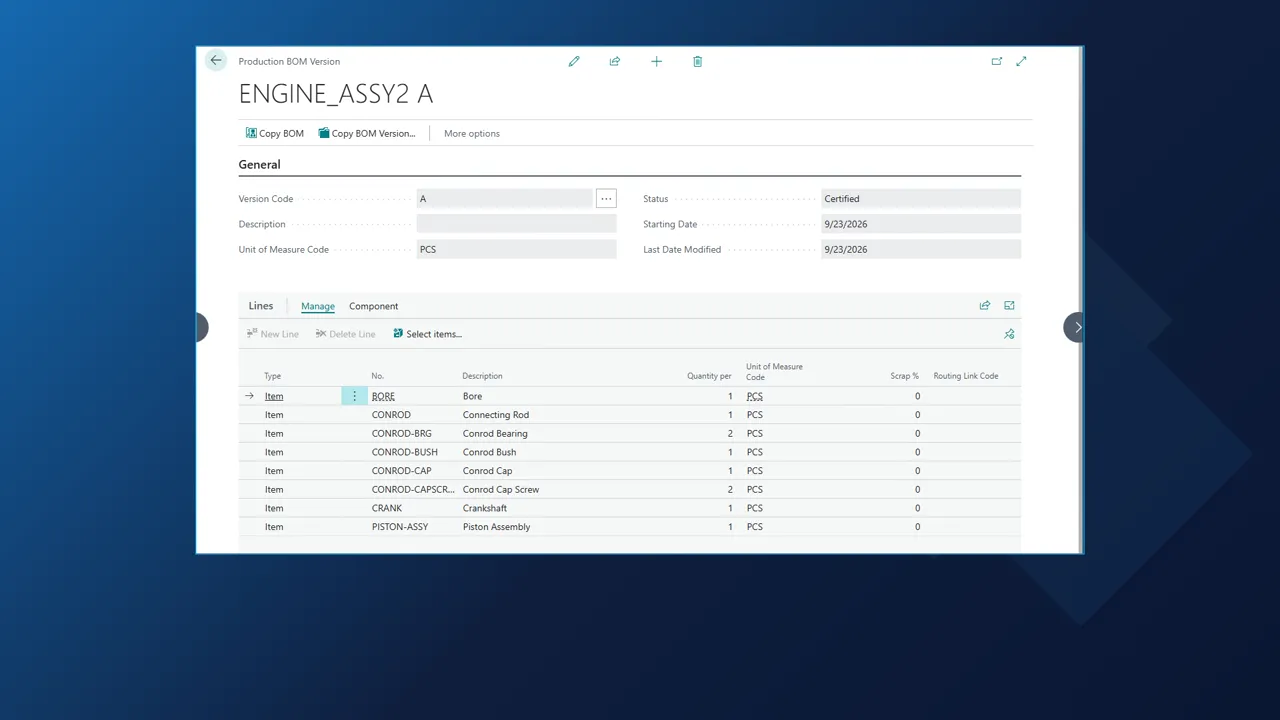
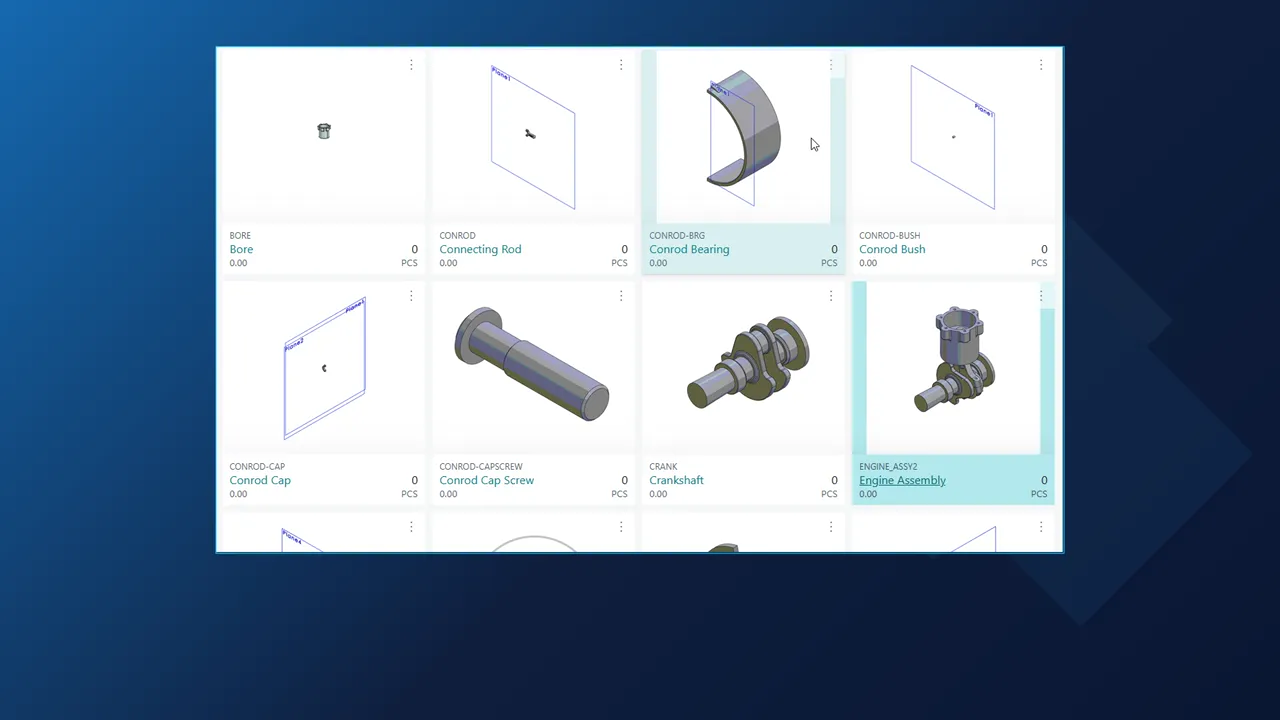
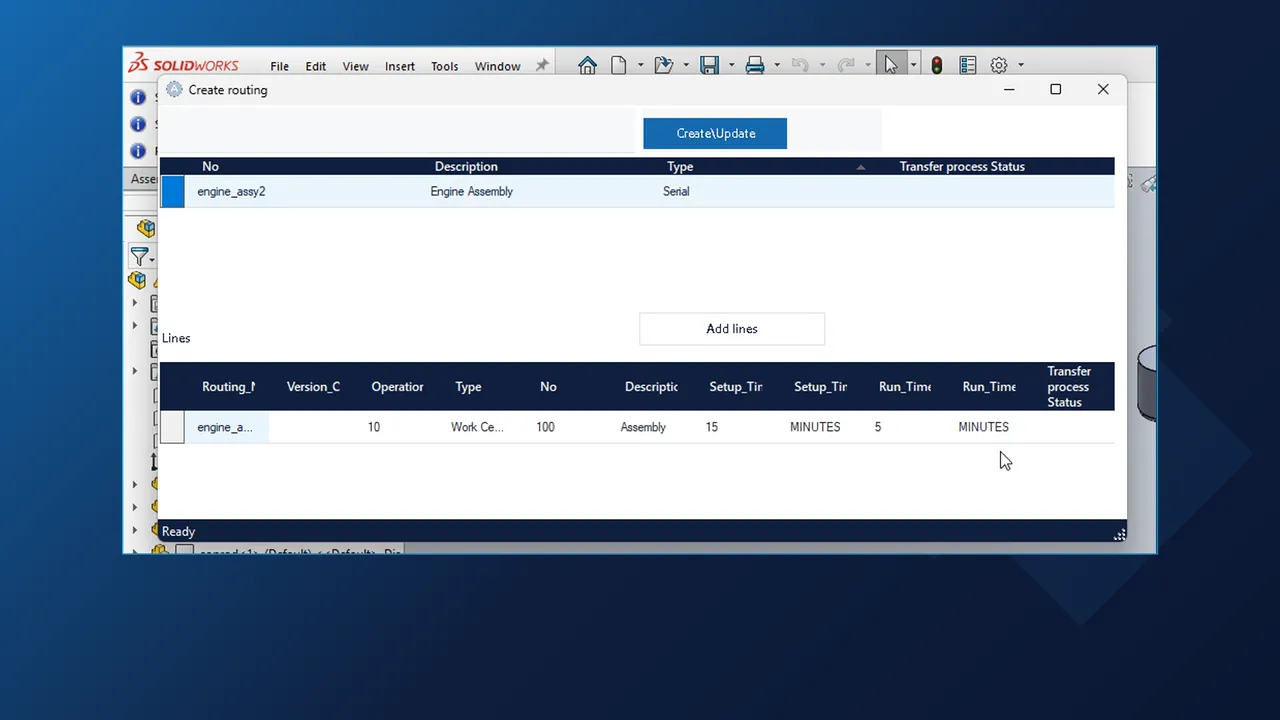
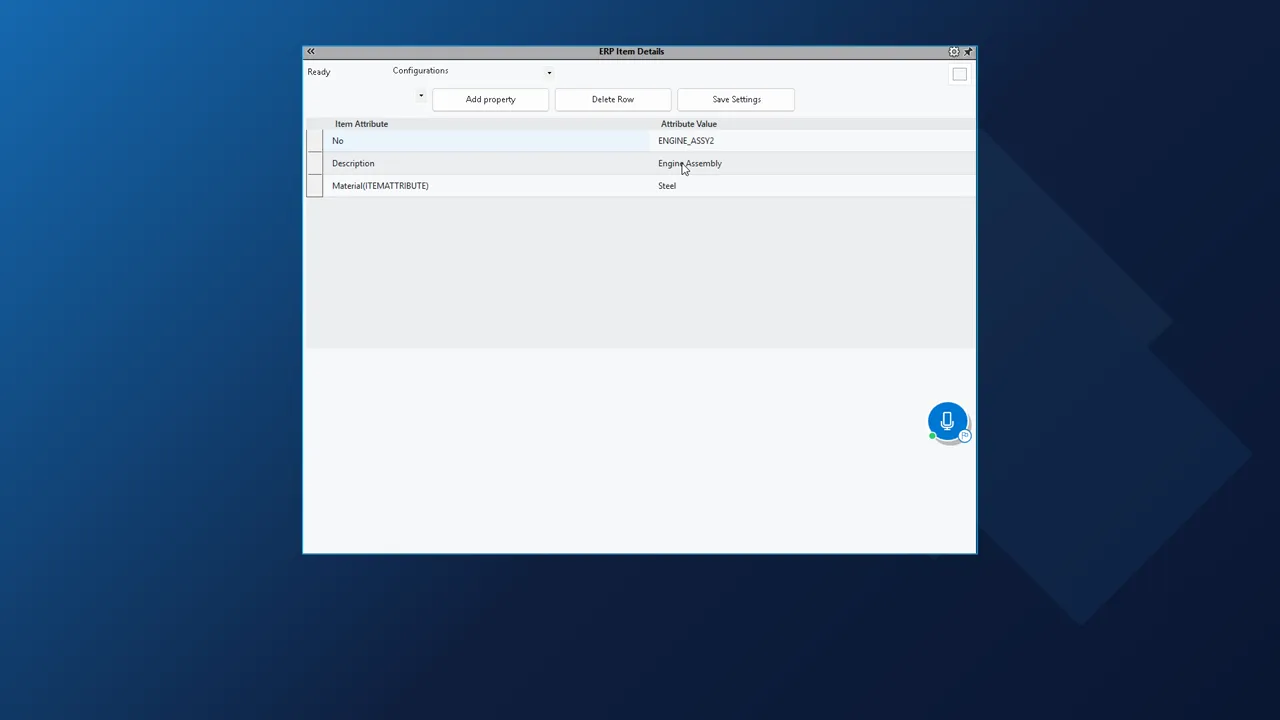
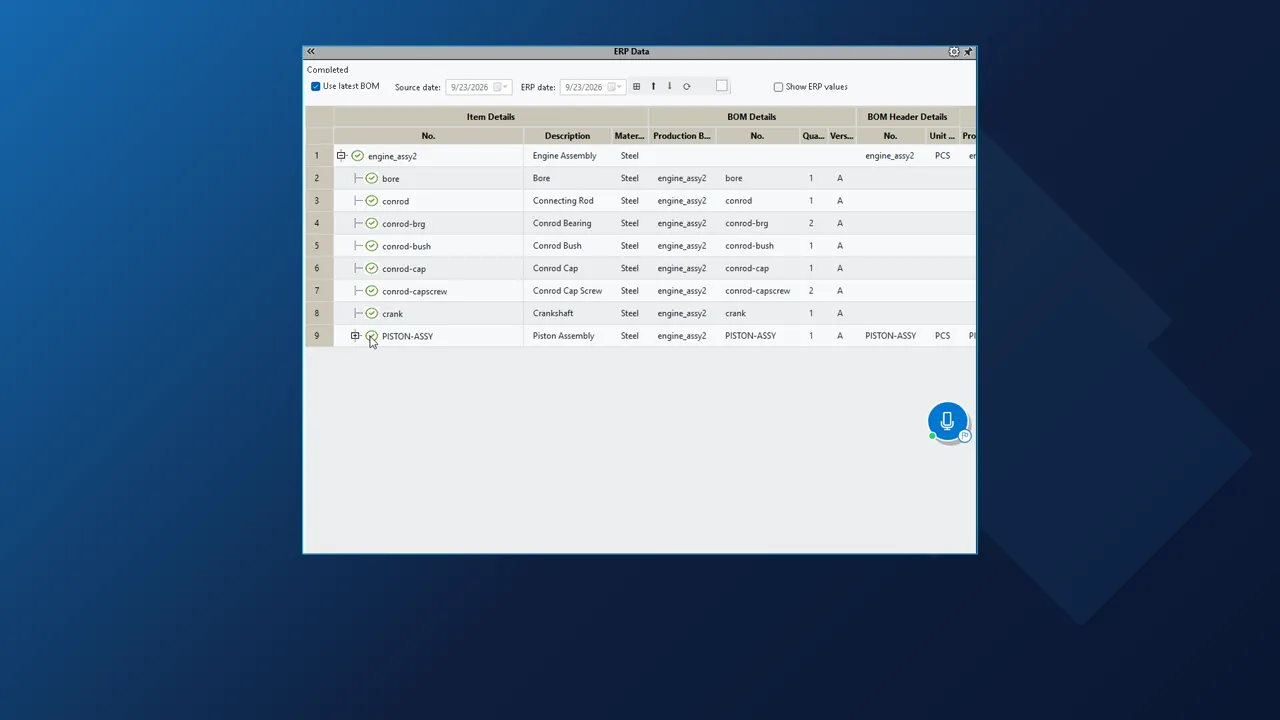
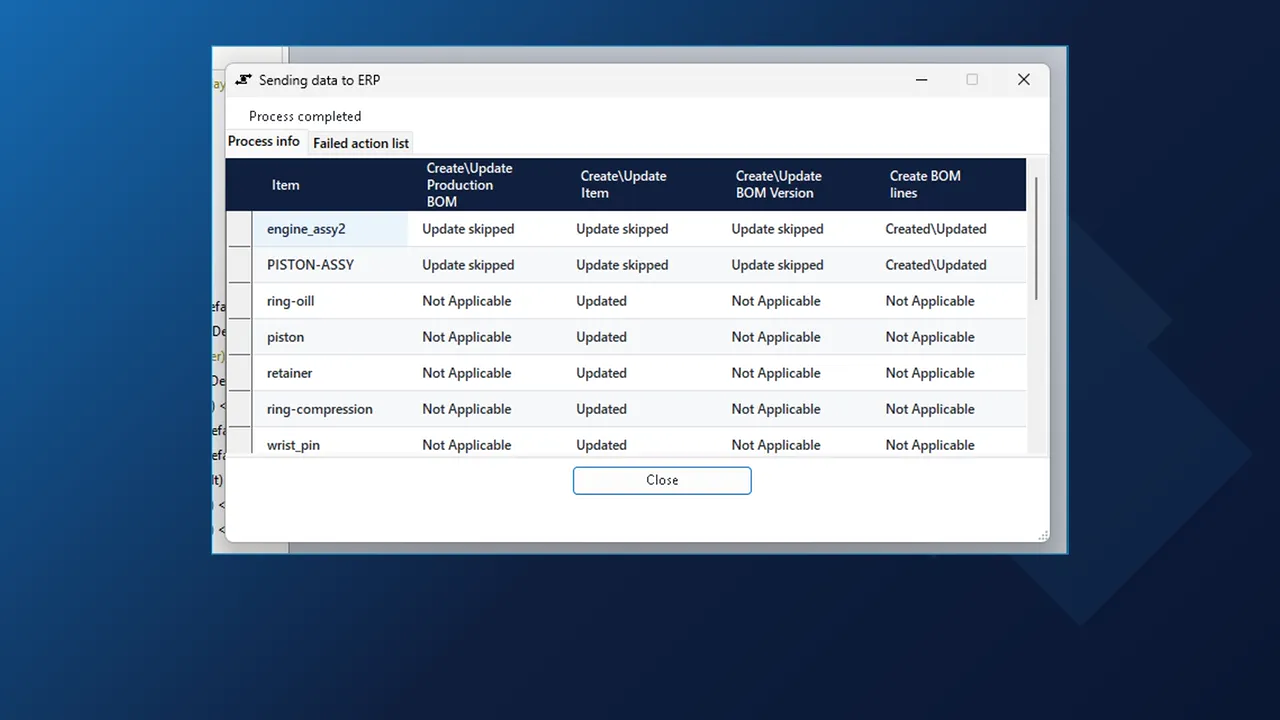
With the assembly open, choose the all-levels send on the ERP Integrator tab of the ribbon. The add-in reads the custom properties of the assembly and of every part and sub-assembly below it, runs them through your rules and writes the result to Business Central.
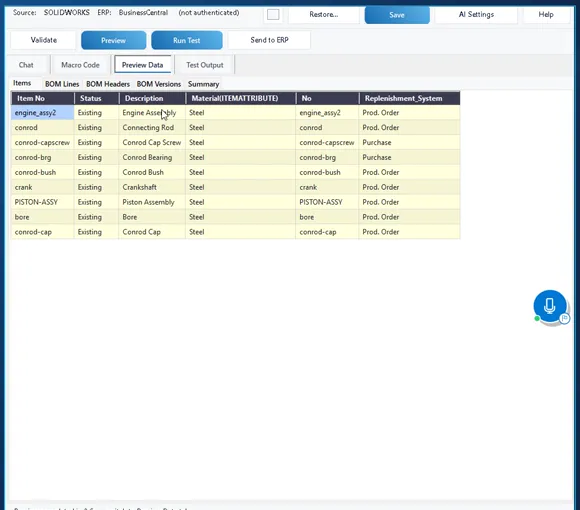
- Items, production BOMs, the production BOM version and every BOM line in one pass.
- One row per item in the dialog, with a column for item, production BOM, BOM version and BOM lines.
- Items that are already current show as skipped, so a resend only touches what changed.
- Close the dialog when it reads Process completed, or leave it running in the background.