
Send
Right-click the assembly, send all levels
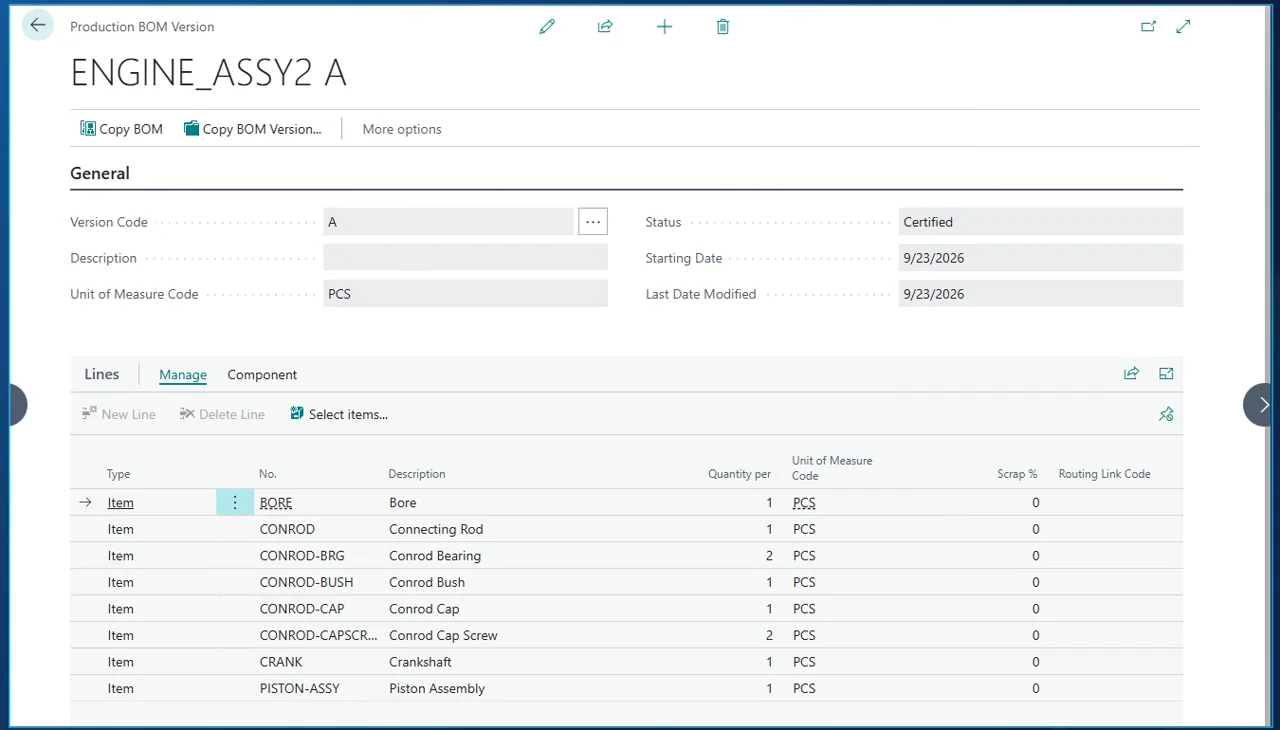
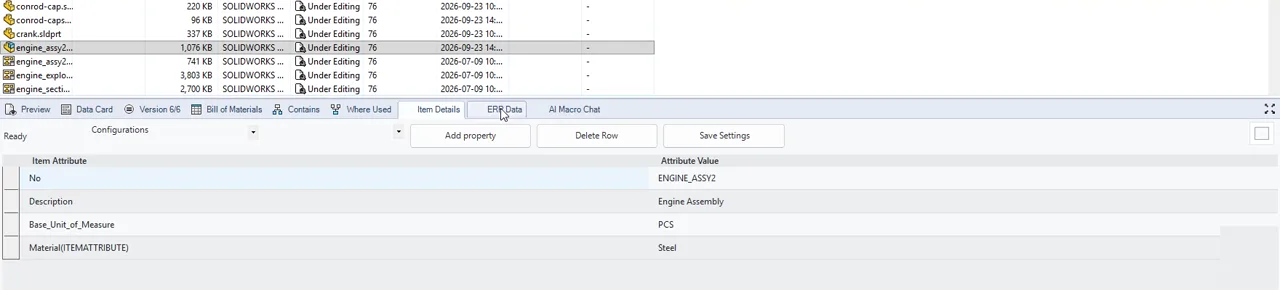
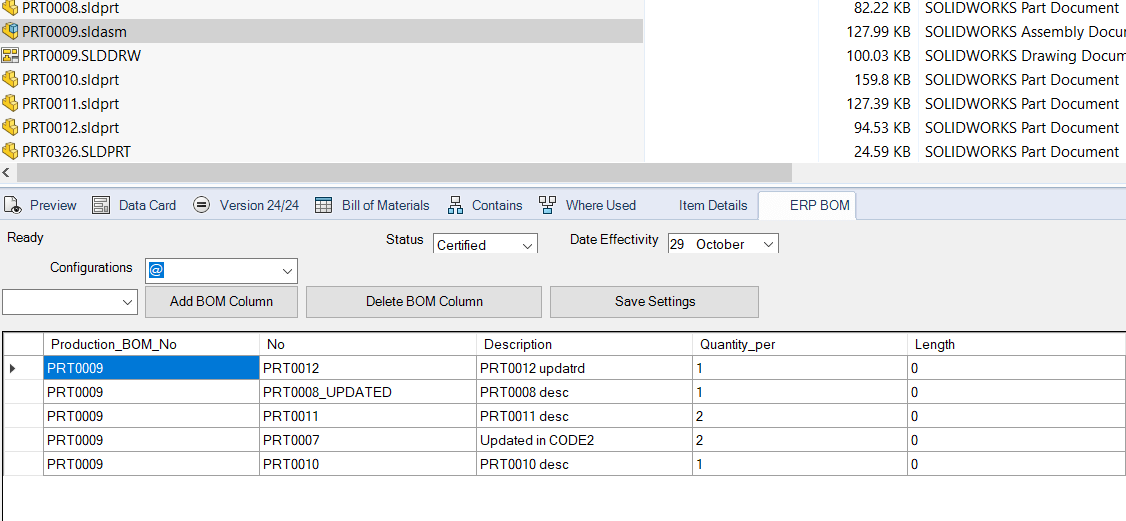
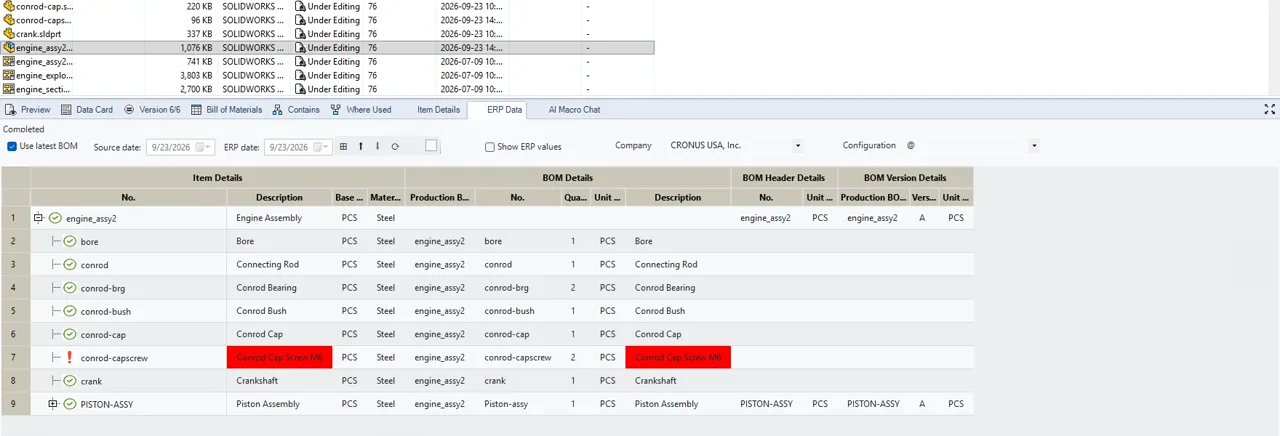
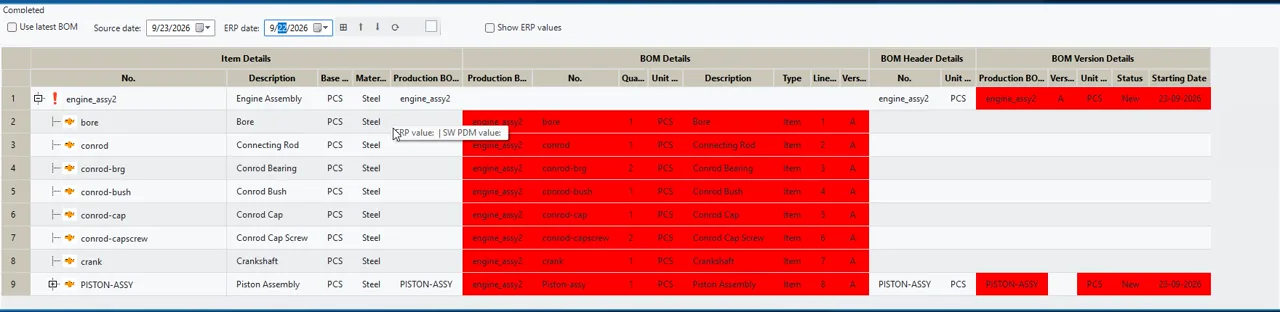
In the vault view in Windows Explorer, right-click the assembly and choose ERP Integrator, Send to Business Central all levels. The add-in reads the file card variables and the multi-level bill of materials from PDM, runs your company rules and writes everything to Business Central in one pass. The same send can also be triggered by a button or during a workflow approval.
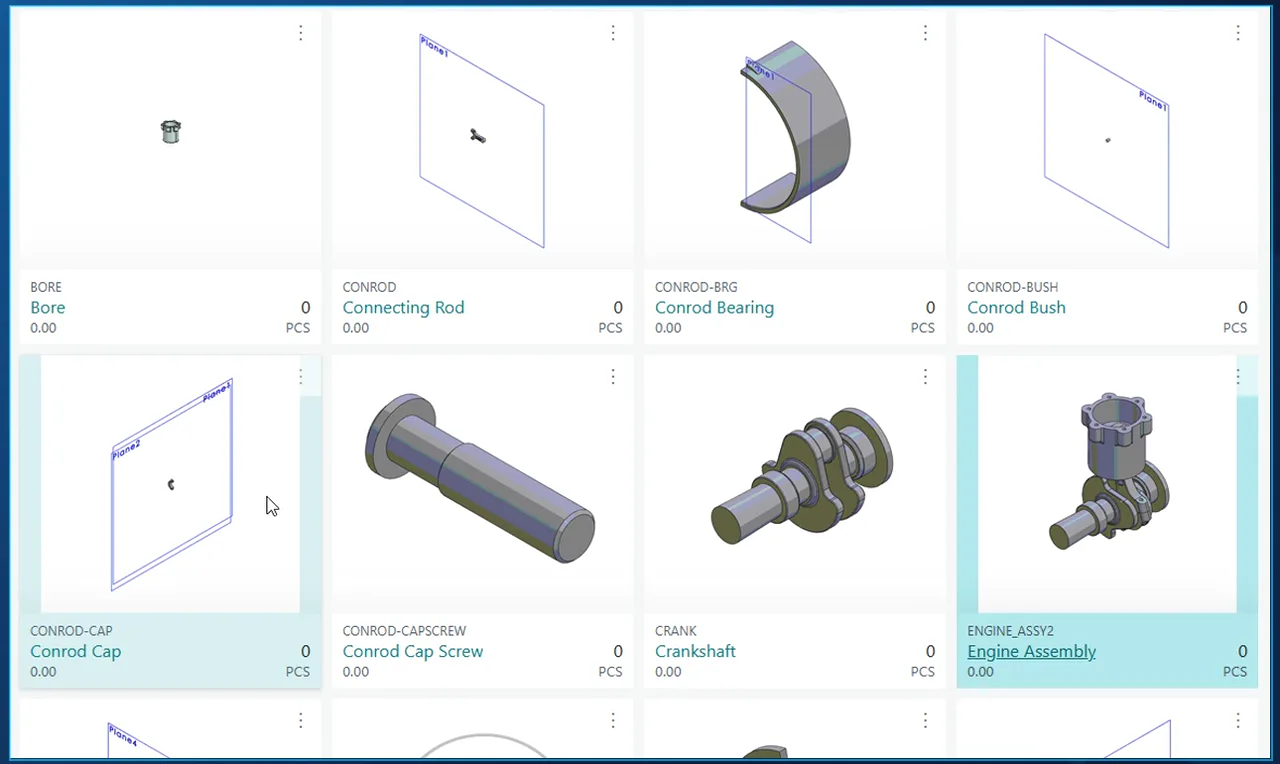
- Items, a production BOM for the assembly and for each sub-assembly, the BOM version and every line.
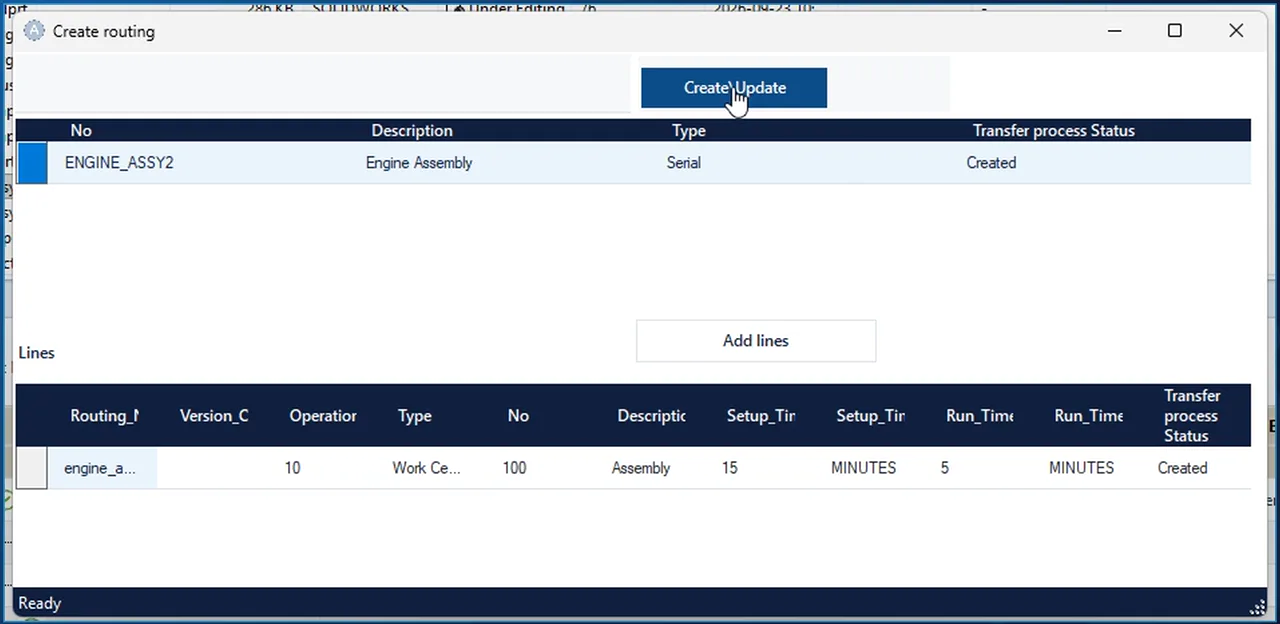
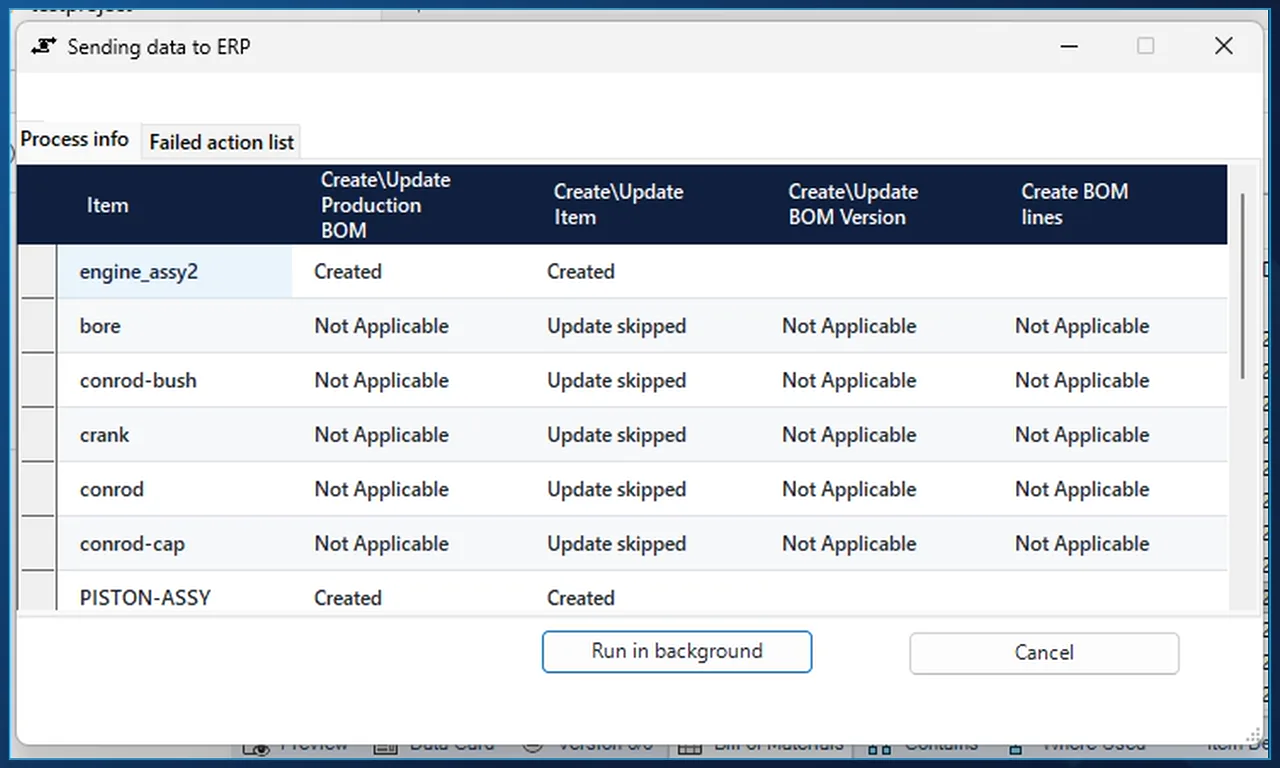
- The Sending data to ERP dialog lists each item with its result per step: Created, Updated, Update skipped or Not Applicable.
- Failures are collected on a separate Failed action list tab, and a long send can be moved to the background.