Send
Send to Odoo, all levels
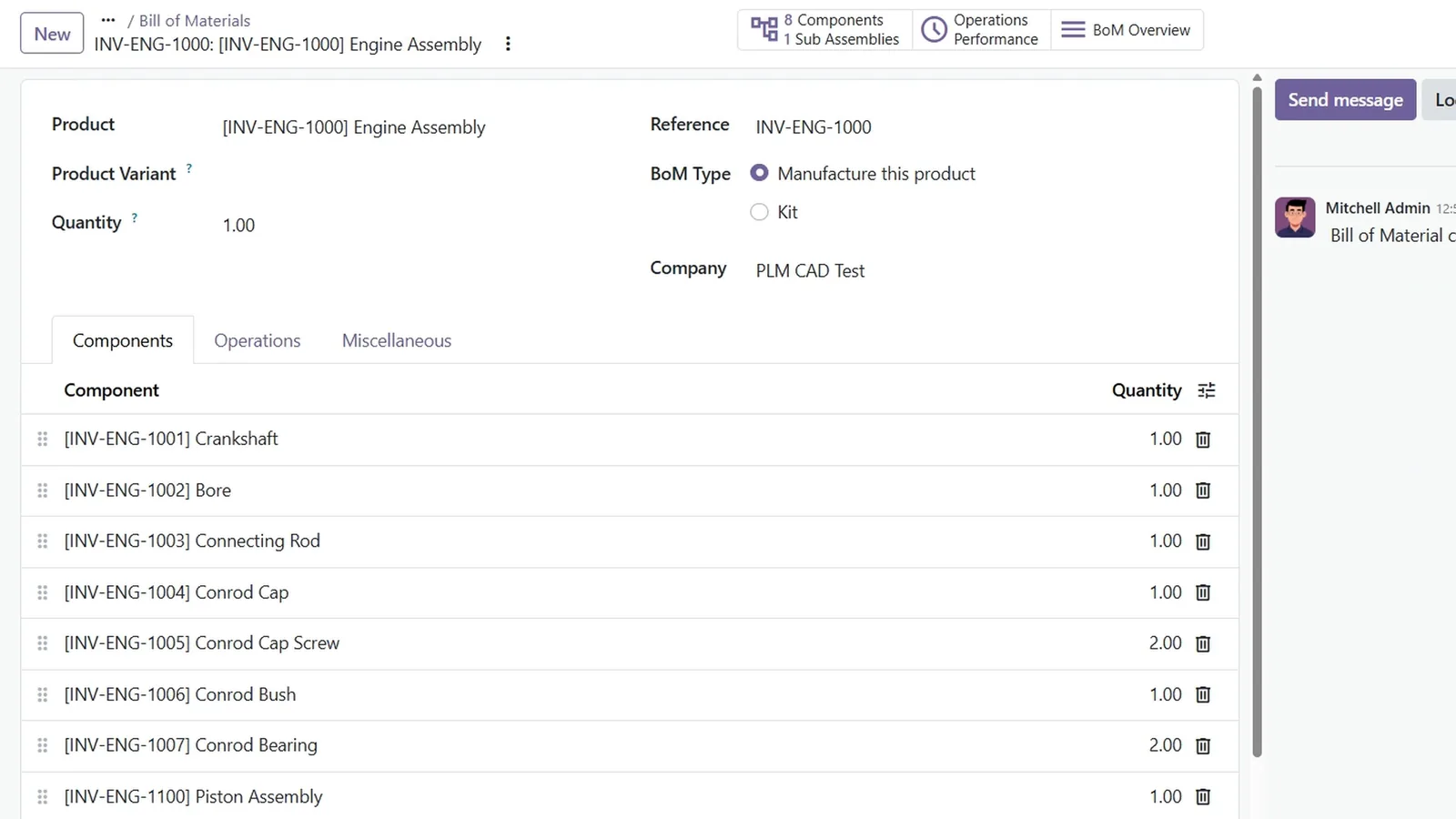
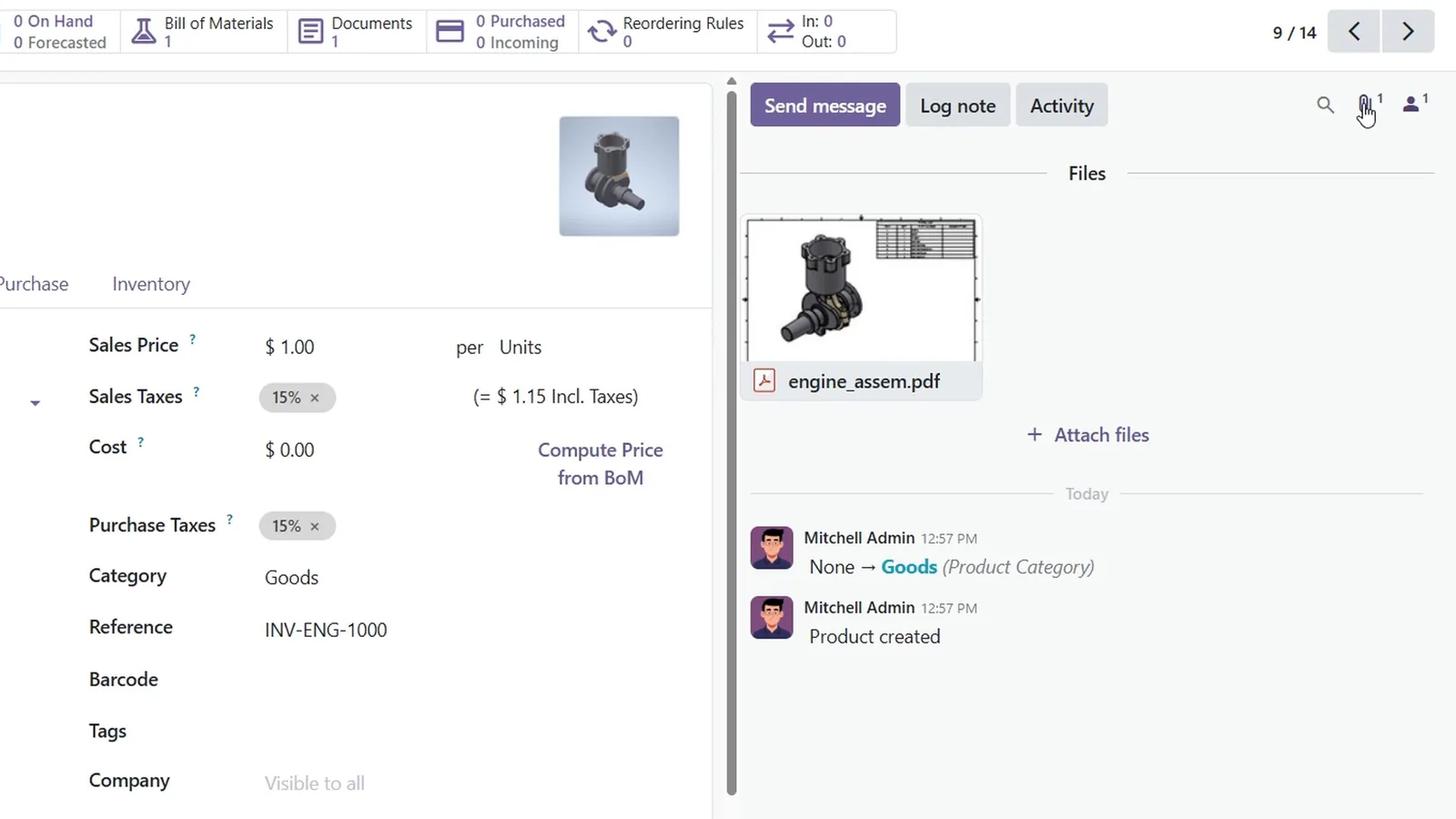
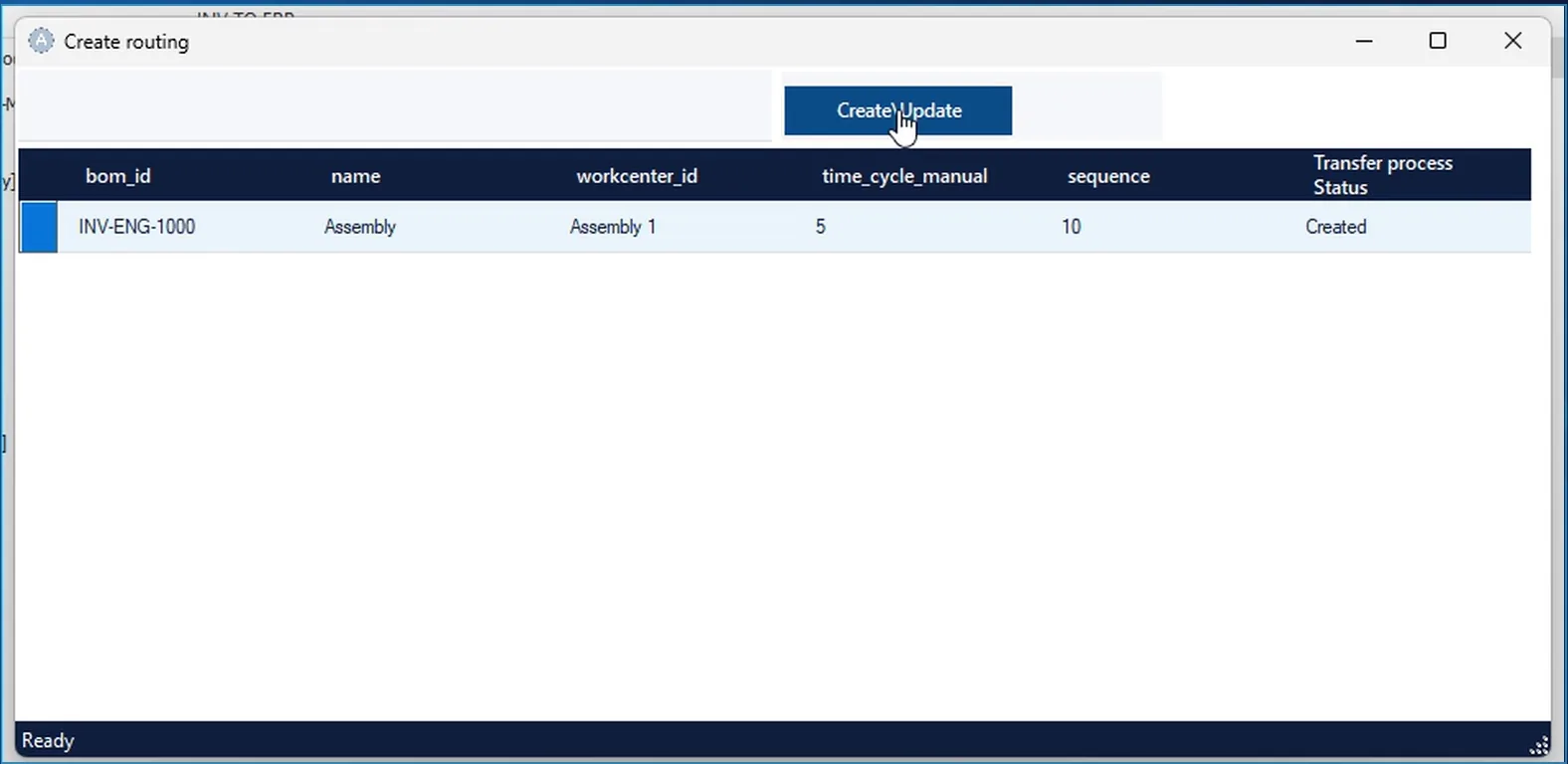
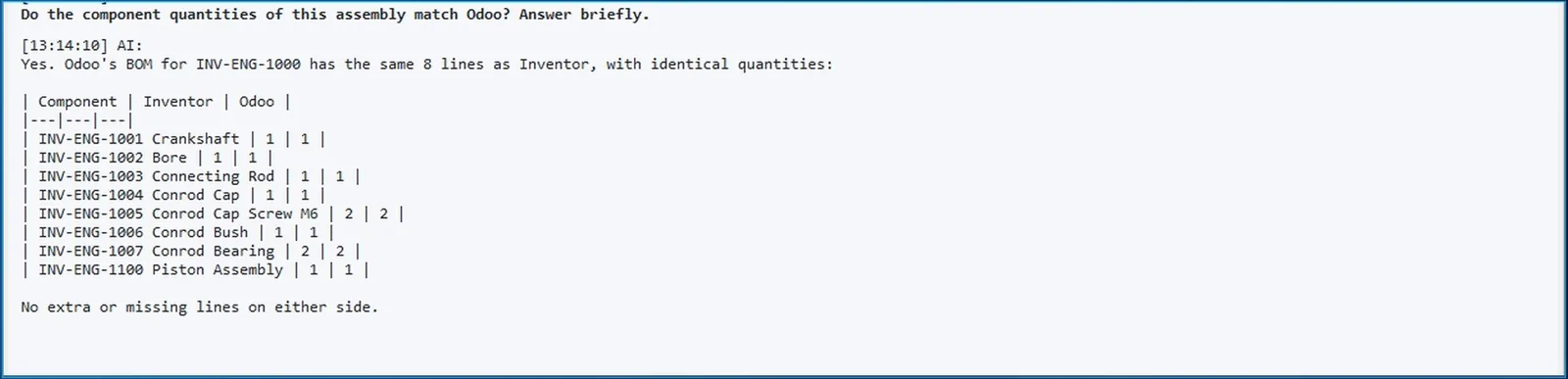
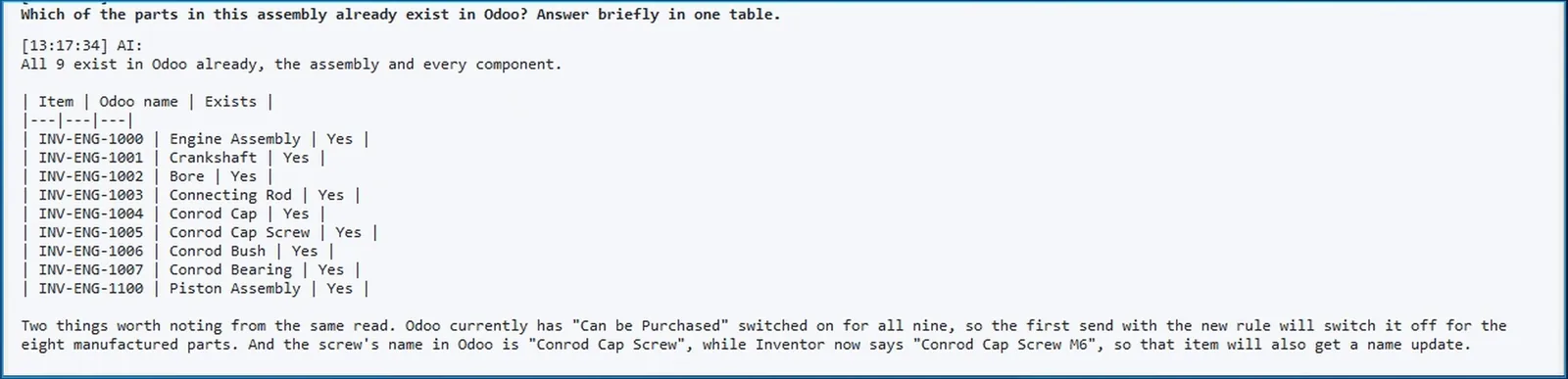
Open the assembly and on the INV2ERP ribbon choose Send to Odoo all levels. INV2ERP reads the properties of the assembly and every component below it, applies your rules and creates everything in Odoo: the products, the bills of materials for the assembly and its sub-assembly, and every line.
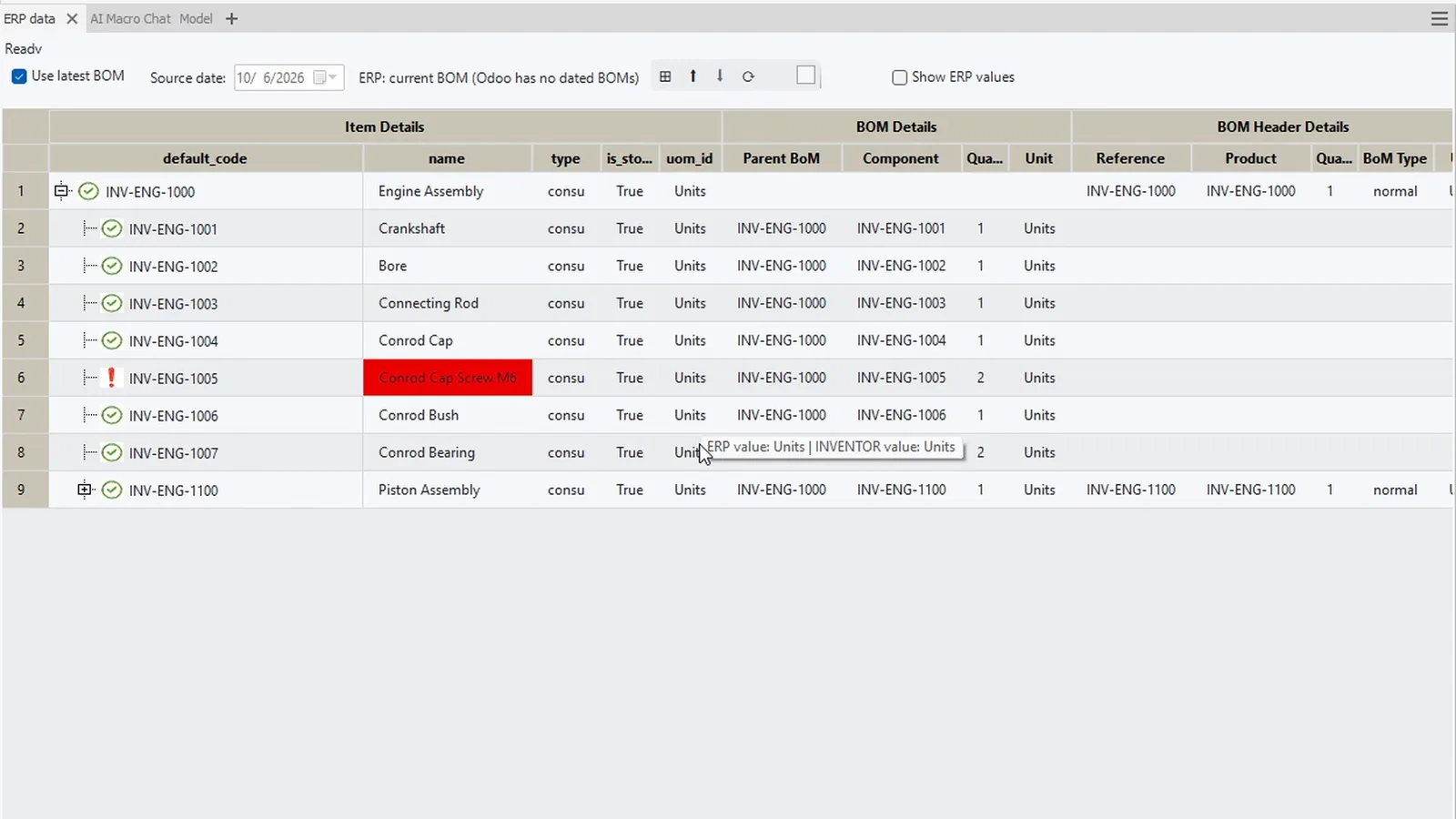
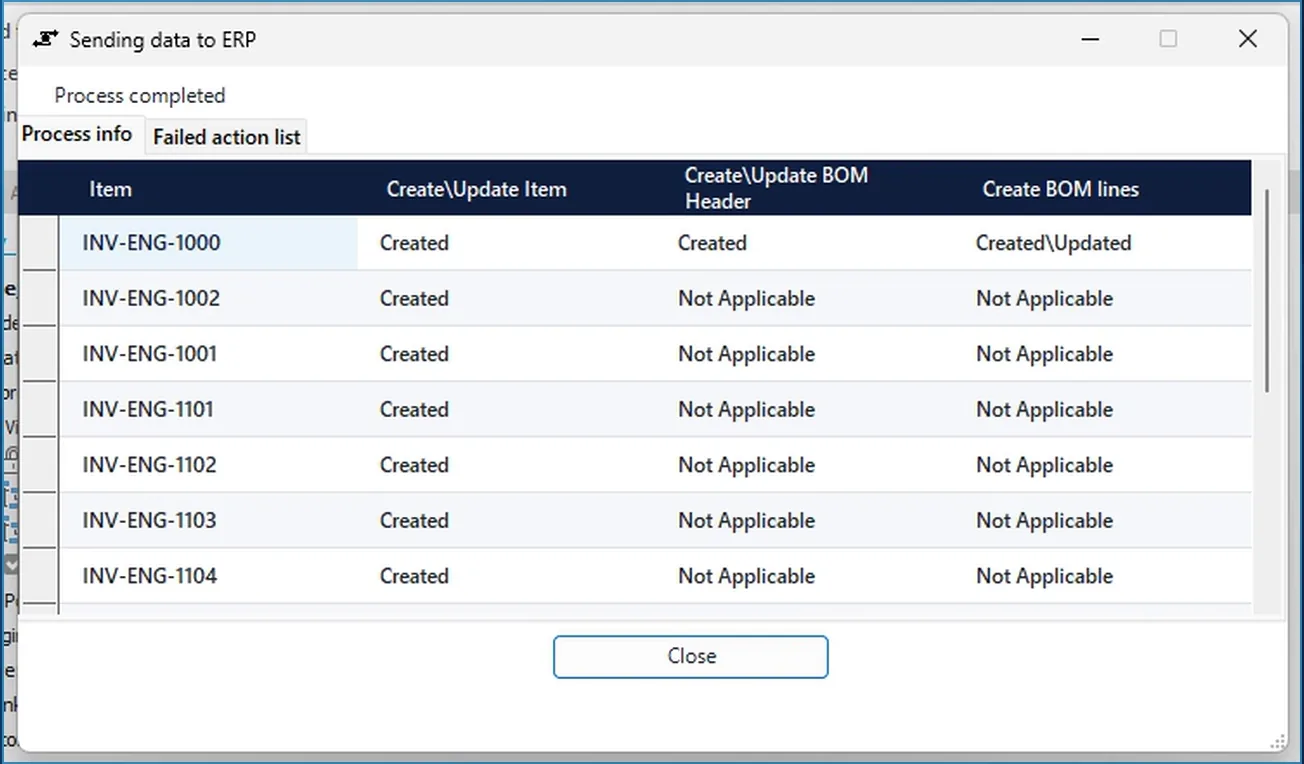
- One row per item, with columns for the product, the BOM header and the BOM lines.
- Anything Odoo rejects is listed with its message on the Failed action list tab.