Send
Send to D365 F&O, all levels
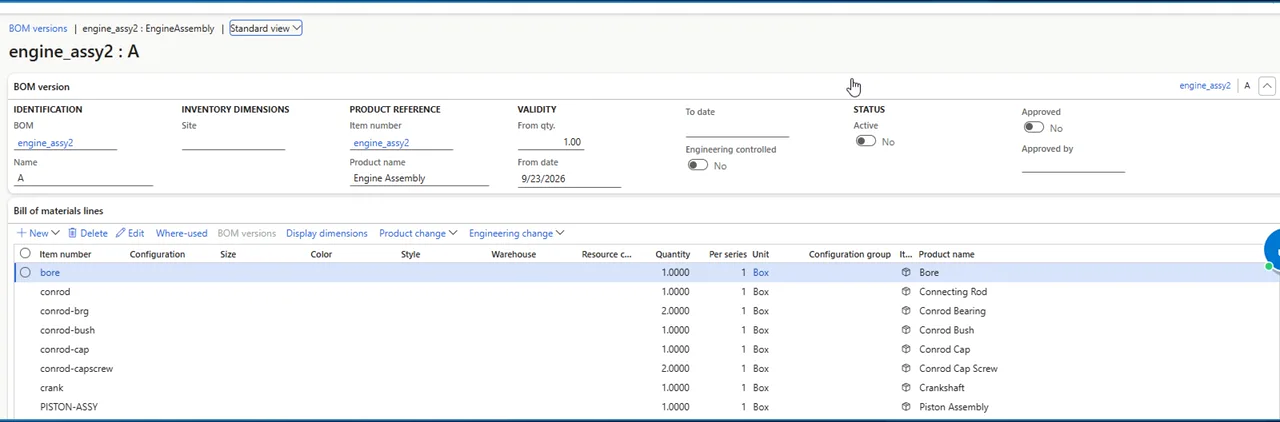
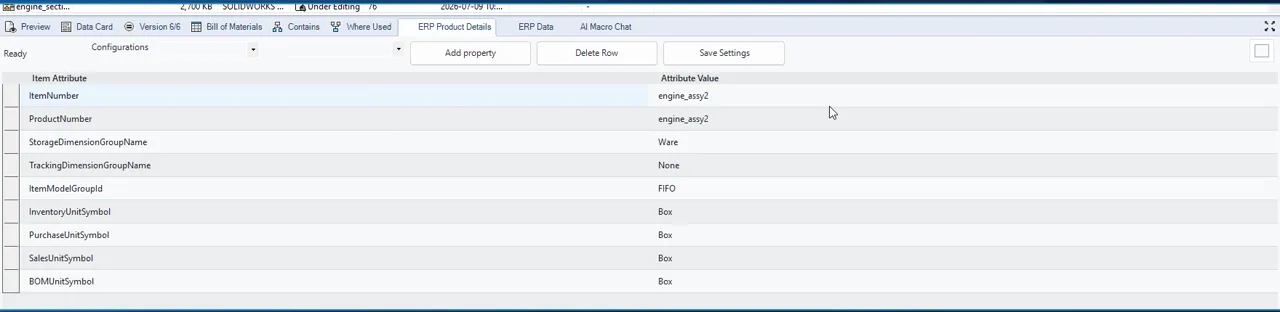
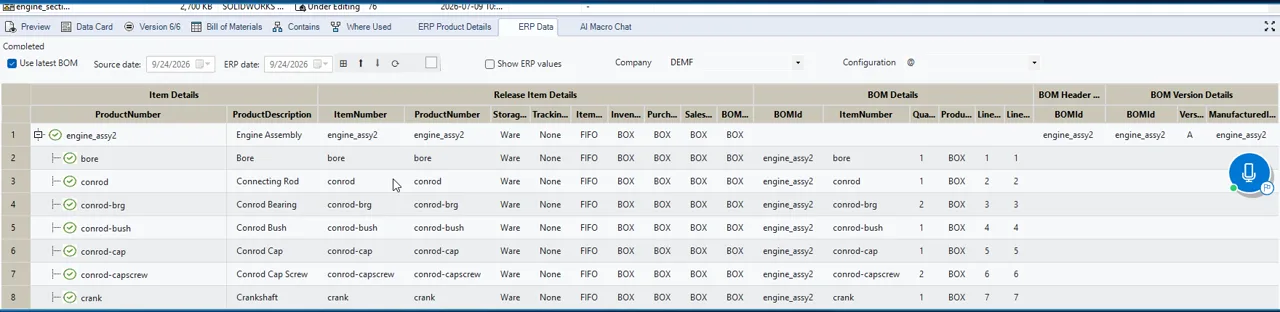
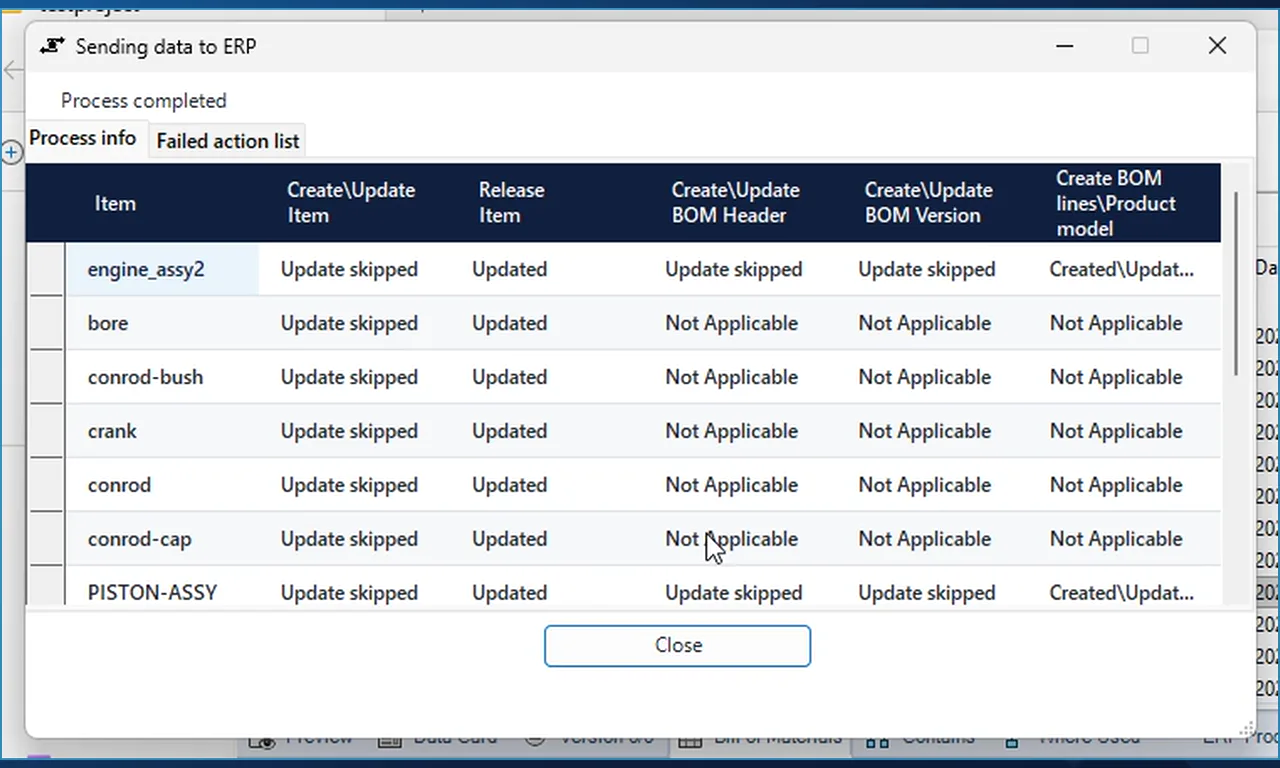
Right-click the assembly in the vault view and choose Send to D365 F&O, all levels. The add-in reads the data cards and the complete bill of materials from the vault, applies your rules, creates or updates the products, releases them to the company, and writes the BOM header, the BOM version and its lines. The same send can also be triggered automatically or from a workflow approval.
- The result dialog has a column per step: Create/Update Item, Release Item, BOM Header, BOM Version and BOM lines.
- On a re-send, steps with nothing to change read Update skipped, so you can see exactly what was touched.
- Process completed appears at the top when the last line is written.